External Link Card
Render an external URL as a card with the site name, title, and summary.
A URL on its own paragraph, or a link followed immediately by {card}, renders as a link card. An ordinary external link in prose stays a link, such as Typora: it shows the site favicon before the text and a ↗ at the upper right, and the icon stays on the same line as the first word.
 Typora
- When to use: The reader should see the site name, title, and summary before opening the page.
- When to skip: Use a source chip to cite a site inside a sentence, or a reference card when you are writing the takeaways yourself.
1A URL on its own line
Leave blank lines around a paragraph that contains only the URL:
https://spec.commonmark.org/
2{card} inside a sentence
Write {card} immediately after ), with no space. The link stays in the sentence, and the card follows the paragraph:
Tables, task lists, and footnotes come from [remark-gfm](https://github.com/remarkjs/remark-gfm){card}, which enables GFM here.
Tables, task lists, and footnotes come from remark-gfm, which enables GFM here.
 remark-gfm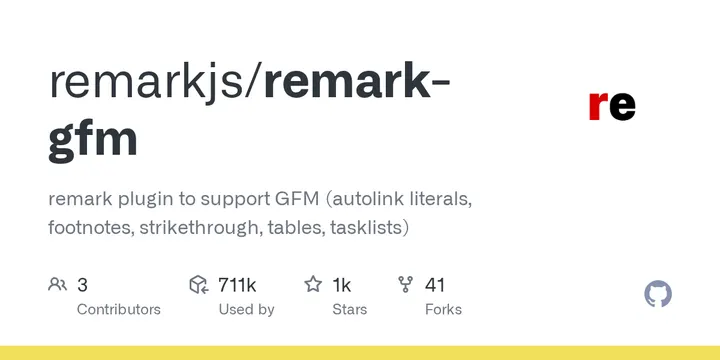
3{card} on its own line
When the paragraph is only the marked link, that line becomes the card:
[Supported KaTeX functions](https://katex.org/docs/supported.html){card}

{card} inside code stays as written, for example [text](https://example.com){card}. A space between ) and the marker also leaves an ordinary link. A link back to this site drops the marker and stays an internal link.
At build time, Garden reads {card} links in the body and stores the page title, summary, and image in link-assets.json. A URL on its own line becomes a card too, using that same record; when the URL has never appeared as {card}, the card shows the URL itself. A failed fetch keeps the previous record, and the build continues. Run npx garden links to refresh just these records. Set GARDEN_OFFLINE to 1 to skip the fetch during an offline build.
A thought can also carry an external link in Front Matter with type: link, using the title, description, and image you write. Those fields are in Writing Posts & Thoughts.
This is not a garden fence, so it has no field table. Fields for the 12 fence components are in the component reference.